I recently had to reset admin password for my home network switch. I had to look around on multiple forums on the internet for instructions, and was finally able to figure out how to do it. I thought of sharing the instructions in this post to help others looking to reset password on this switch.
First, the ethernet cable (link) method didn’t work for me.
Therefore, the only possible option was to use the serial port and reset the password that way.
Buy Serial Cable. This one is $10 from Amazon, and connects to RJ45 serial port on switch and USB port on your computer.
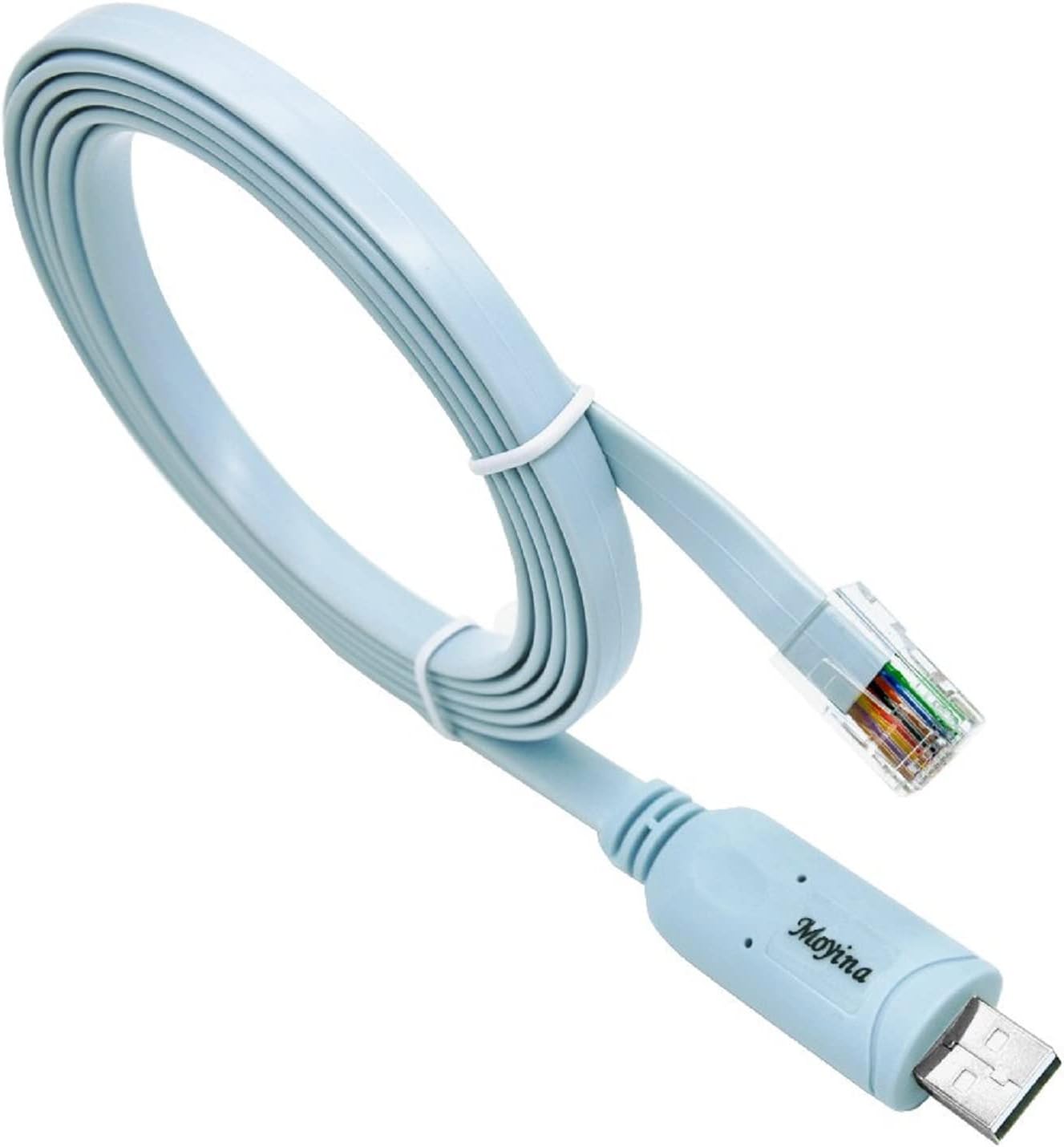
Connect to the switch using the cable, and follow the instructions below. I performed this on my Macbook but am sure process is similar on Windows laptop, or Linux.
- Disconnect all ethernet cables from the switch. The only cables connected to the switch should be power cable and the serial cable.
- Open terminal on Mac, and find the device you need to connect to
ls -ltr /dev/*usb*For me, it showed two devices. You would choose the one that is tty.
- Replace the device name in the command below with the one you found above, and then run the command
screen /dev/tty.usbserial-A50285BI 38400,cs8,-ixon,ixoff- You may see a blank screen, and that should be ok
- Leave the screen on, and power cycle the switch (pull power plug, and put back on)
- On the screen you should see switch’s boot process starting.
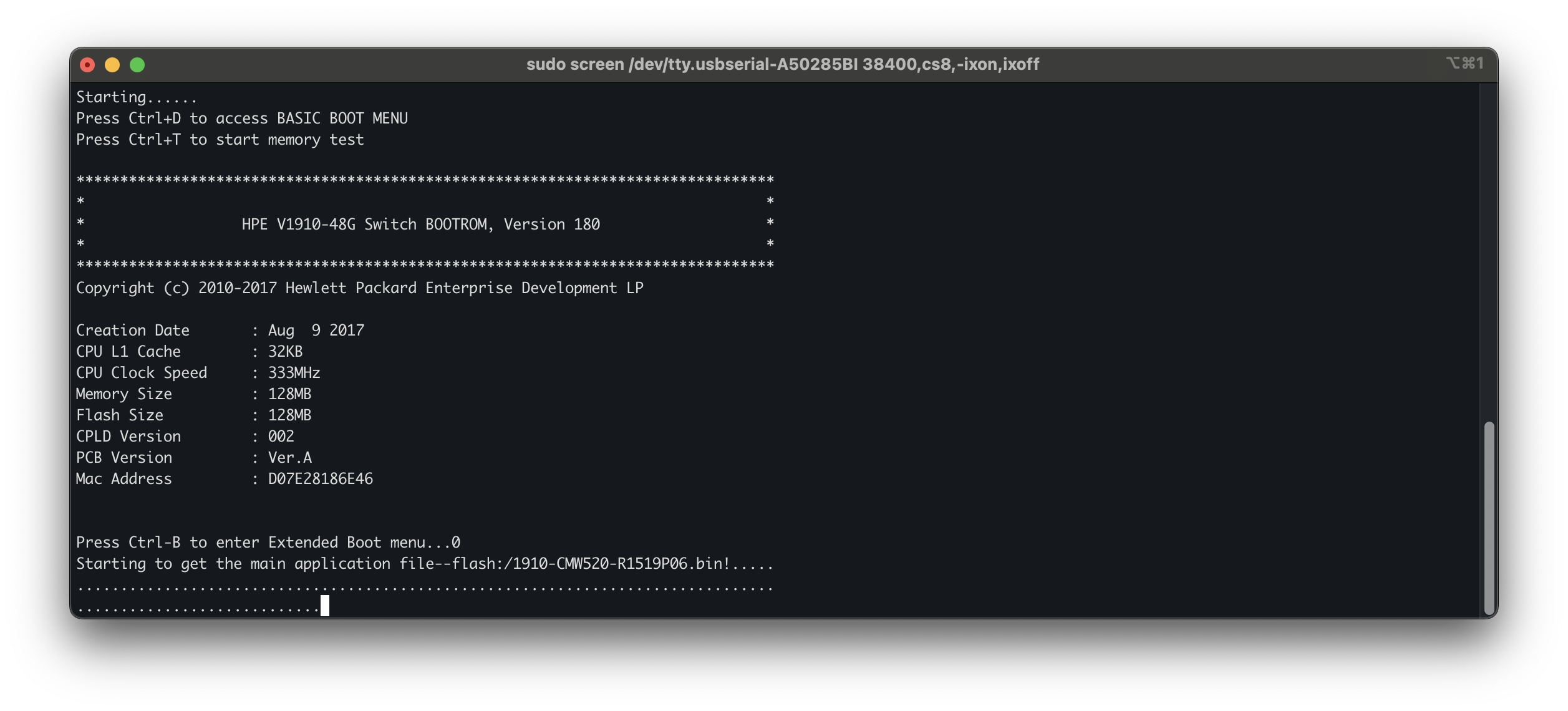
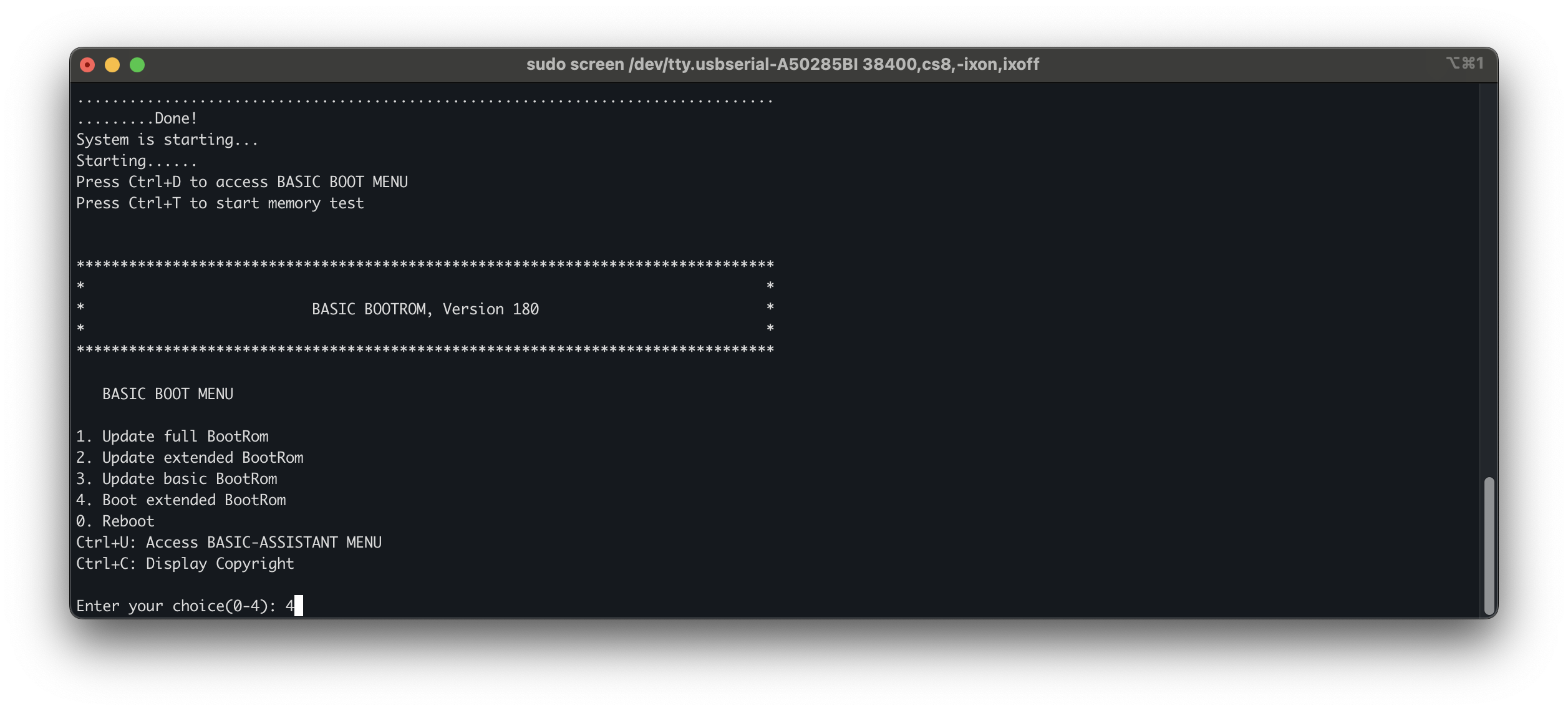
Select option 4 to boot the extended BootRom. This gives you access to the full recovery menu where you can reset the configuration.
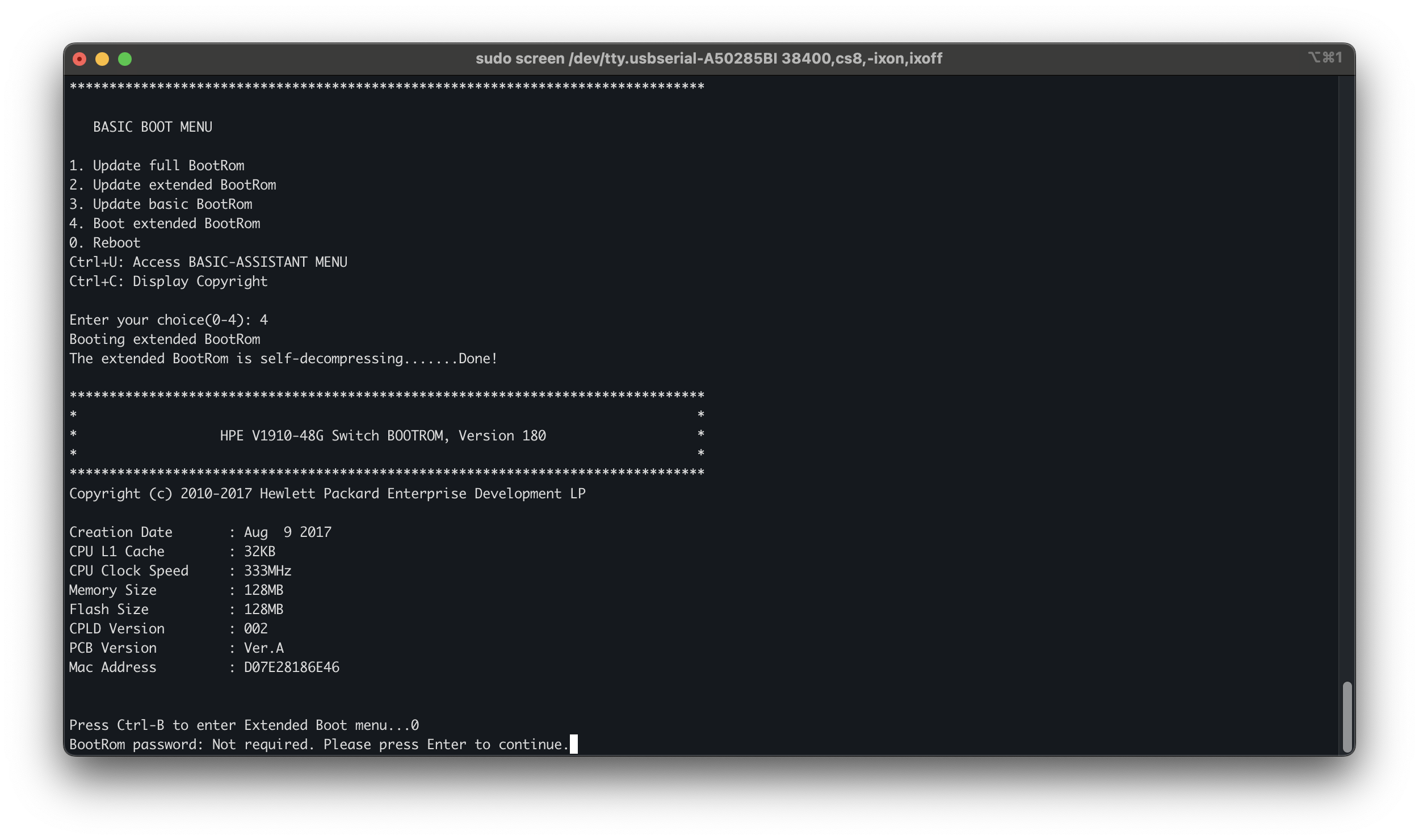
The extended BootRom will decompress and load, which takes a few seconds. You’ll see the familiar HPE banner again once it’s ready. After the extended BootRom loads, press Ctrl+B when prompted to enter the Extended Boot menu. If the BootRom password hasn’t been set (which is the default), just press Enter to continue.
You’ll now see the full BOOT MENU with more options. Select option 5 to restore the factory default configuration.
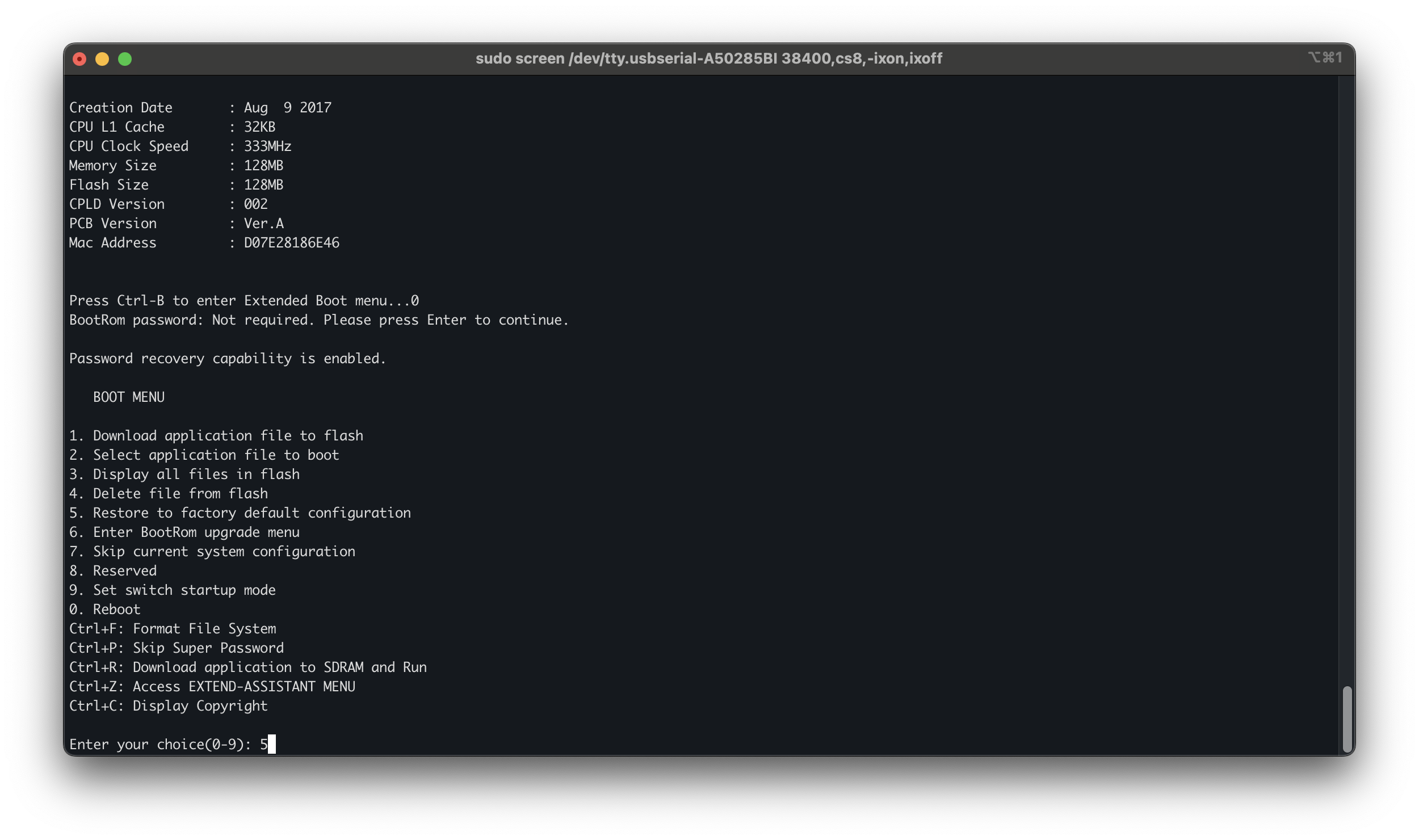
The switch will ask for confirmation. Type Y and press Enter.
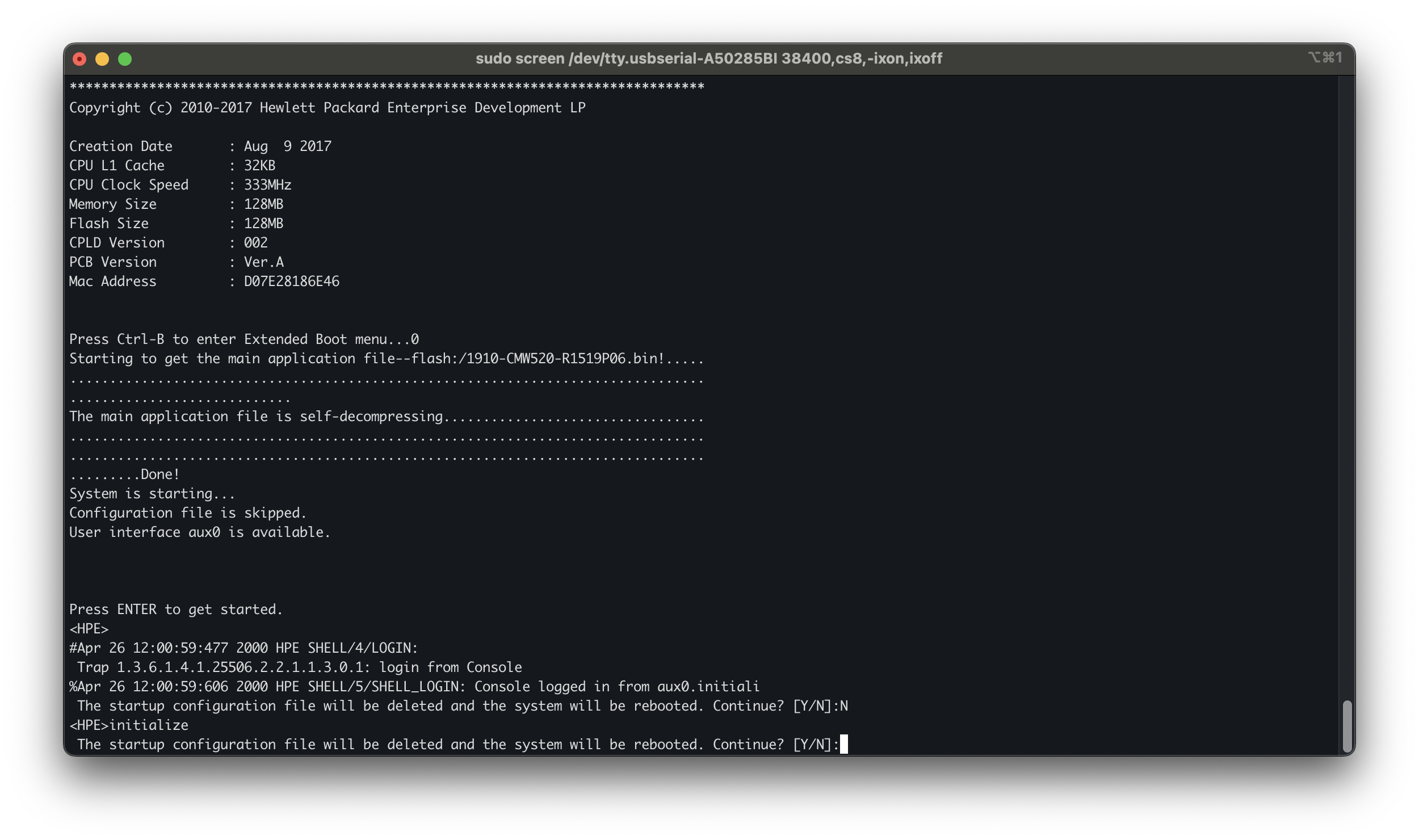
The switch will delete the startup configuration (which includes all passwords, VLANs, and other settings) and reboot.
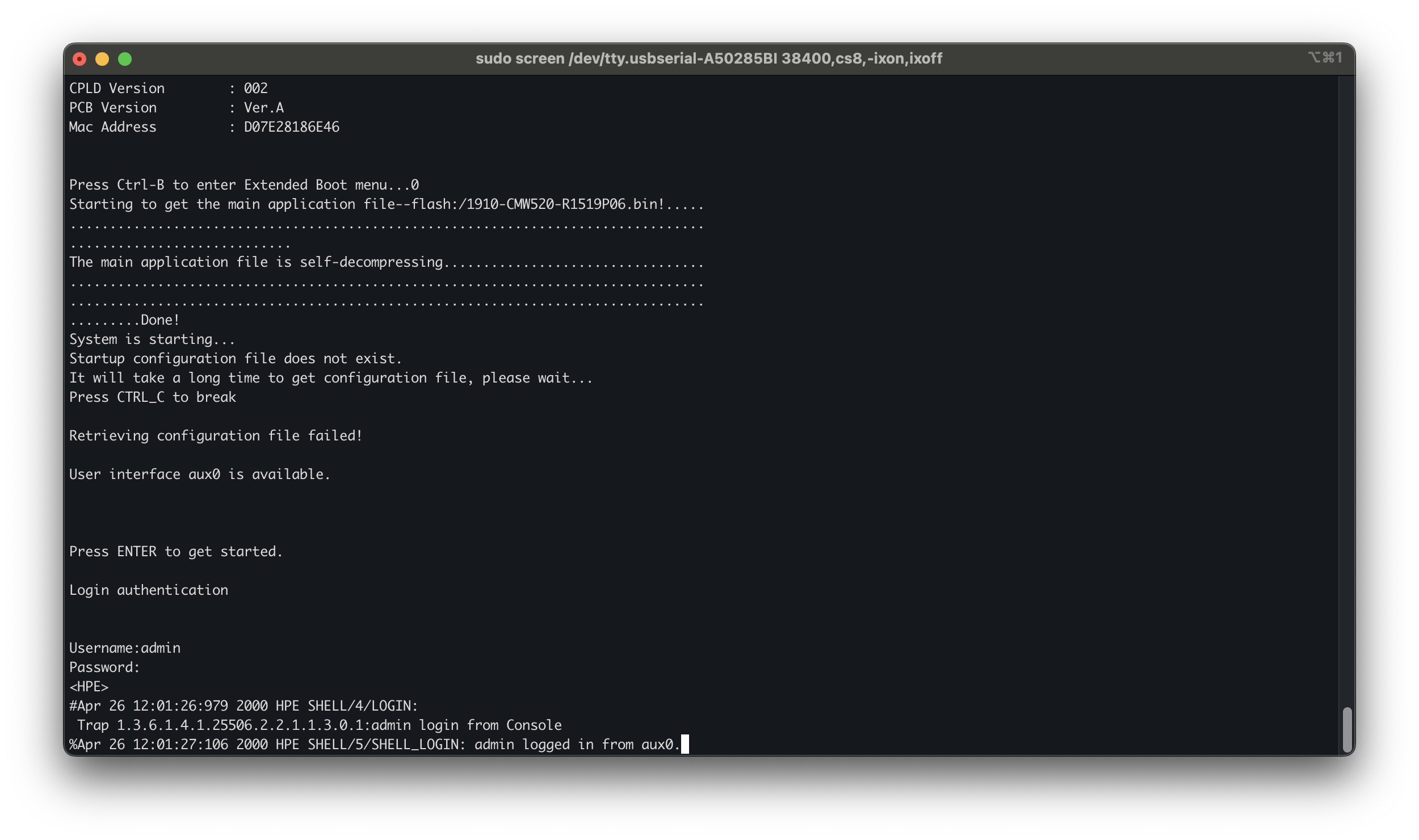
After the reboot completes, you’ll be prompted to log in. The default credentials for HPE V1910 series switches are:
- Username: admin
- Password: (blank—just press Enter)
You should now have full access to the switch with a clean configuration.